
Who says you can’t learn and have fun at the same time?!
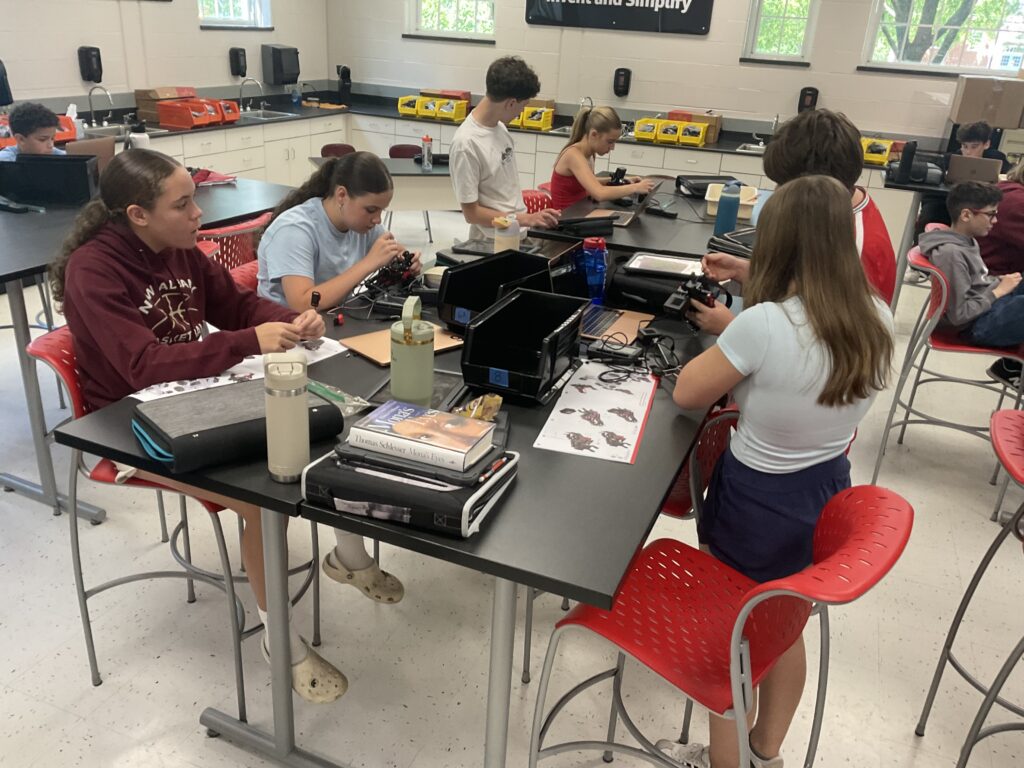
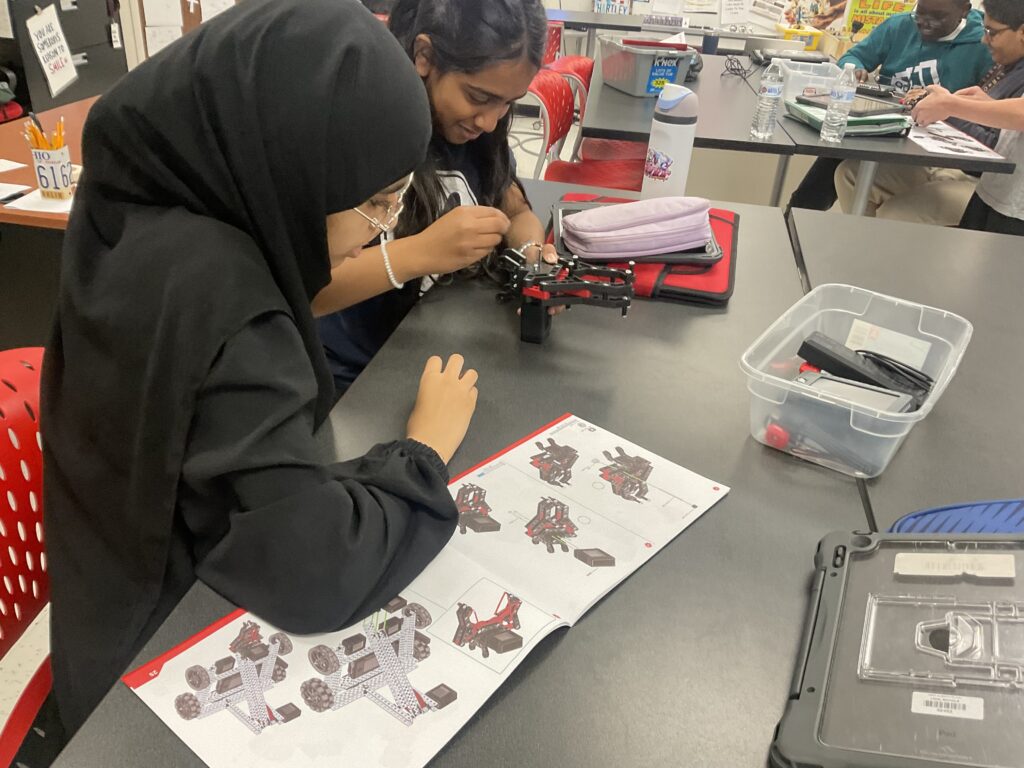
How many people do you know that can honestly say they enjoy their job? I am blessed to call myself one of those people that truly enjoys what I do. Now I recognize that I am a teacher in the summer saying this, but it holds true all year long. I have the privilege of teaching Computer Science and Robotics classes at New Albany Middle School.
I believe that no matter where life takes students, they will need to work with others to solve problems using technology. That is the overarching goal for me—prepare students for this reality and get them excited about it! Also, as one of the first computer science and robotics classes that students can take, I have a very important job—get them excited about a possible future in these fields! As the first step in hopefully a long line of steps towards a career involving technology, my biggest aim is to get students excited about this as a possible future career. The worst thing I could do is make a student feel like they don’t belong in STEM or that they can’t excel in these topics.
How do I make this happen?
1. Students Always Create a Tangible Product of their Learning
One of the most fulfilling aspects of these classes is that students are always creating a physical or digital artifact of their learning. This can be something physical that they can take home and show off such as projects involving the 3D printers or laser cutter. Sometimes it is a digital artifact such as a video game or program that solves a problem (translator program!) that they can also show off outside of school. There is immense power in a middle schooler being able to point to something concrete and say, “I designed and built that.”
2. Learning is Problem-Based and Real-World Related
Every challenge that students complete in class is relevant to their lives as middle school students and young adults in the world. We often kick off class with a short video hook — Mark Rober is a massive hit with middle schoolers — to set the stage for the day’s mission and connect it to global engineering.
To keep engagement high, a lot of our challenges are game-based. Students program their own video games, code digital Olympic events, or use the 3D printers to engineer custom versions of classic tabletop games like Scrabble, Jenga, Dominos, and Chess. Incorporating real-world fun into the curriculum is a major focus.
3. A Classroom Environment for All Levels of Learners
Robotics and Computer Science classes naturally attract an incredibly diverse group of learners. From those that have been programming and 3D printing on their own for years to those who have no prior experience, I have set up an environment to meet students where they are at. How do I do this?
- For experienced students: I push them to transition from block-based coding to text-based programming in Python, JavaScript, or C++. There is also always a “Candy Challenge” where students are challenged to add on or edit their game for an additional challenge and once successful, they get a piece of candy!
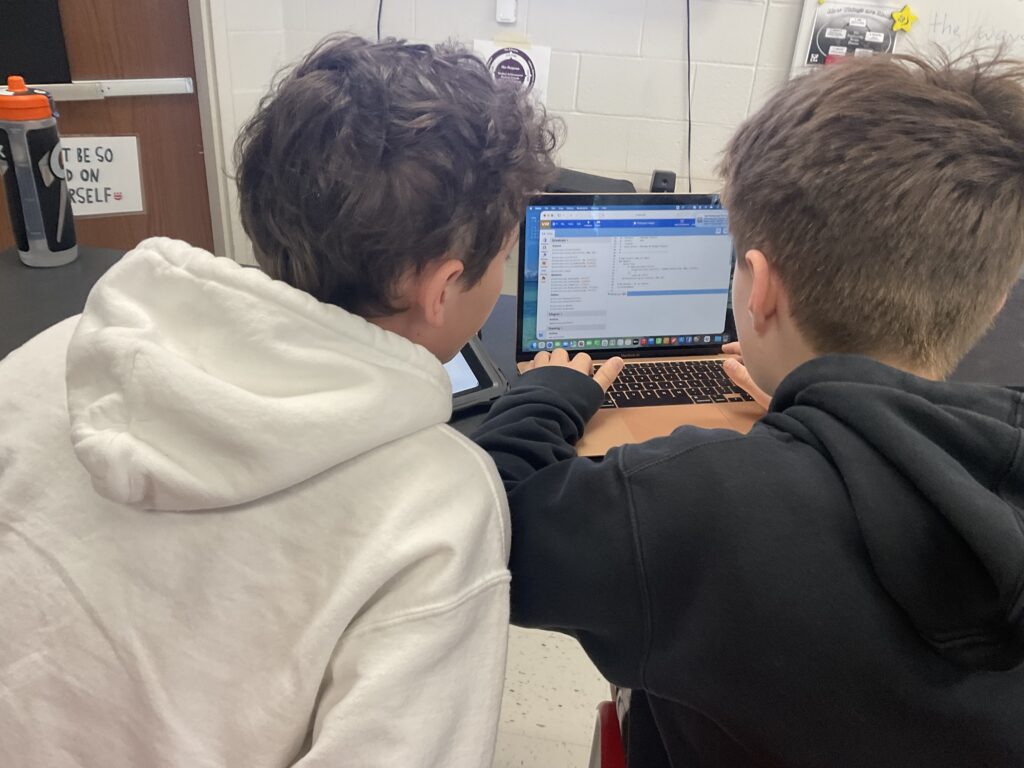
- For students new to Computer Science: I utilize collaborative pair programming, step-by-step Google Slide decks with detailed code breakdowns, programming with block-based code, and custom YouTube tutorials where I model the build process.
4. Variety and Student Choice Keeps Learning Fresh and Fun
From different programming platforms and languages to different fabrication machines, a variety of resources helps keep learning fresh and fun! The great thing about computer science education is that there are many great resources available to help get students interested. From Scratch to Hour of AI to Microsoft MakeCode Arcade to VEXCode VR, there are a lot of great options to get students interested in computer science.
This variety goes hand-in-hand with student choice. Students regularly choose which programming platforms and languages they want to utilize to complete the day’s challenge. Giving them autonomy and choice provides genuine ownership over their learning, which naturally skyrockets engagement.
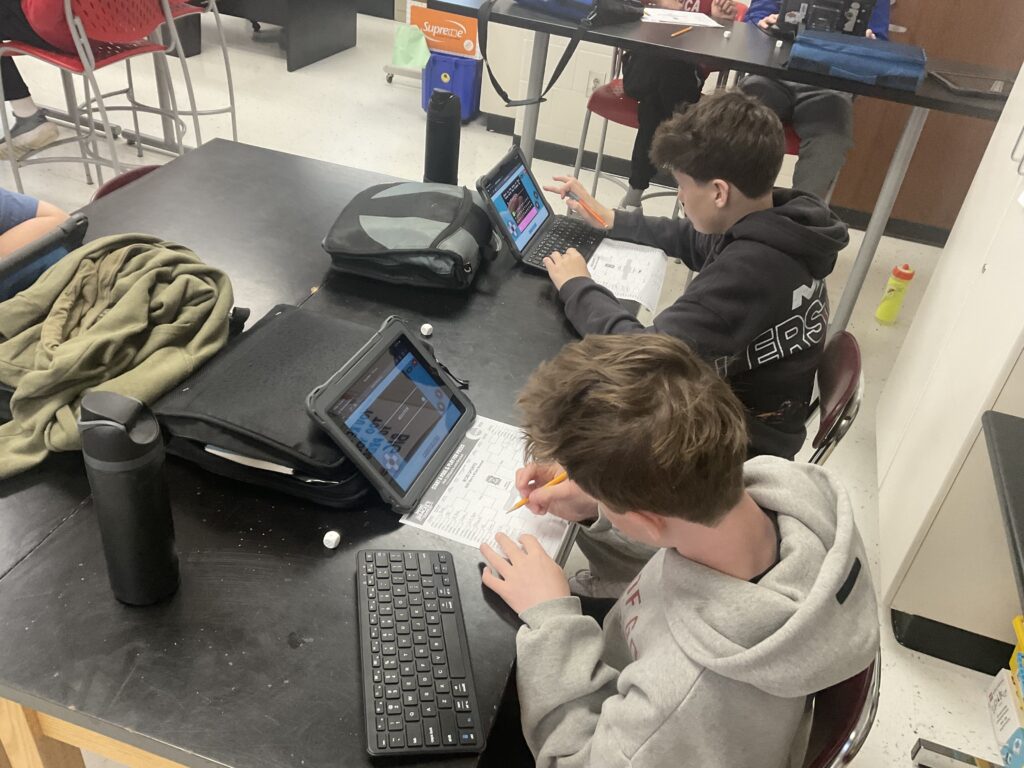
Classroom Spotlight: The Winter Olympics Unit
One strategy I love to use is building a central theme for the week where each day’s challenge relates back to that theme. A favorite example of this from this past year was the Winter Olympics unit. Here is how I built student choice directly into the curriculum:
- Laser Cut Your Own Flag: Students designed a real-world or custom flag using Google Drawings, Procreate, or Adobe Illustrator. They then brought it to life, taking home a physical version laser-cut into wood.
- Digitally Draw the Olympic Rings: Students programmed a virtual robot to draw the iconic rings with the correct corresponding colors in Scratch or VEXCode VR, utilizing block coding, Python, or C++.
- Speed Skating Racing Game: Kids built a clicker-style game featuring a timer and a start/finish line using Scratch or MakeCode Arcade (compatible with blocks, Python, or JavaScript).
- Curling Game: Students coded a physics-based curling game where a rock glides toward a bullseye, allowing a user to press buttons to control “brooms” that alter the rock’s speed in MakeCode Arcade (compatible with blocks, Python, or JavaScript)..
- Hockey Penalty Shot Game: A game where the user controls a goalie to block a puck gliding randomly toward the net, built in Scratch or MakeCode Arcade (compatible with blocks, Python, or JavaScript).
- Skiing/Snowboarding Obstacle Course: Students designed their own character and an interactive obstacle course complete with a timer using Scratch or MakeCode Arcade (compatible with blocks, Python, or JavaScript).
- Bobsled Racing Game: A precision-based game where students programmed a bobsled to complete a winding course without crashing into the walls Scratch or MakeCode Arcade (compatible with blocks, Python, or JavaScript).
- 3D Print Your Own Olympic Medal: To cap off the week, students used Tinkercad to design custom 3D medals, which we brought to life on the classroom 3D printers.
About the Author
Ross Hartley is a licensed K-12 Computer Science Robotics teacher at New Albany Middle School in Ohio. If you are interested in seeing his students’ projects in action, check out the classroom Instagram account (@mr.hartley_nams) and YouTube channel (@RossHartley-p7t).